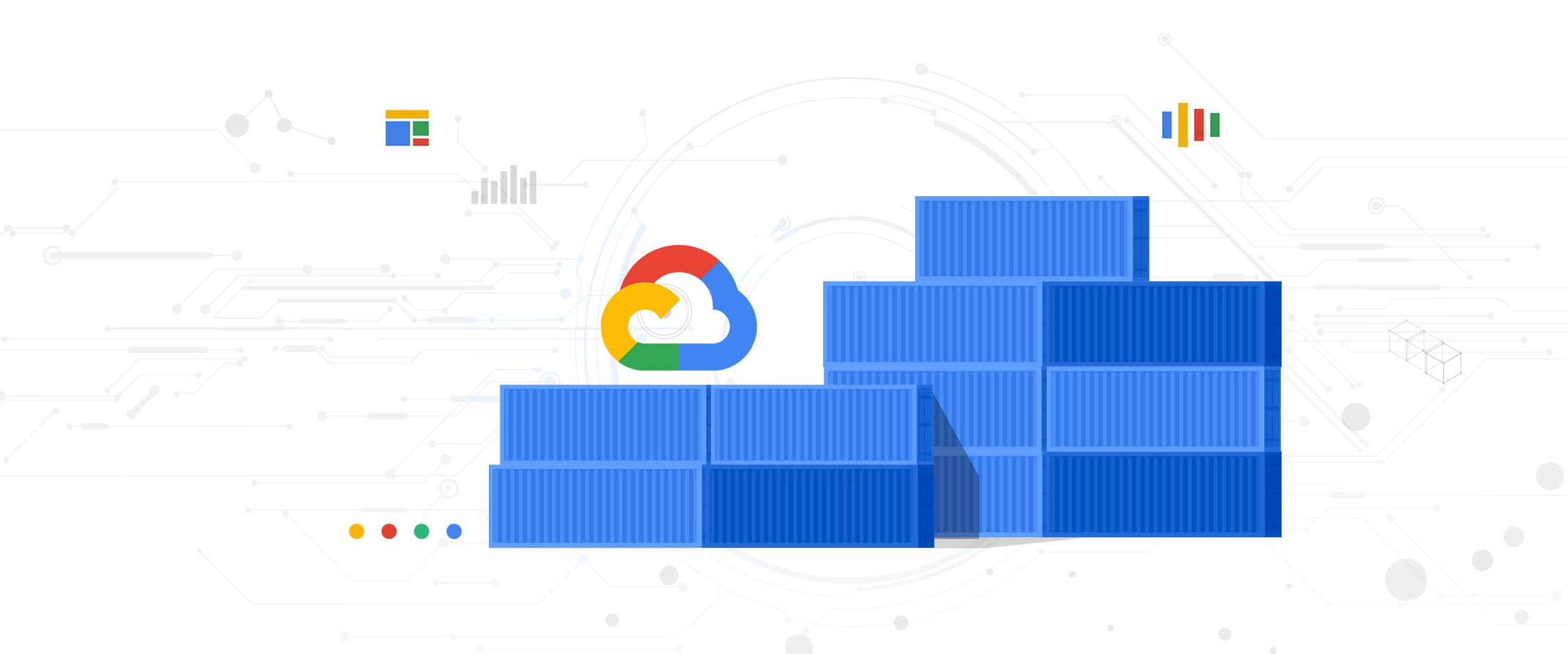
Developers and data scientists are increasingly turning to Google Kubernetes Engine (GKE) to run demanding workloads like machine learning, visualization/rendering and high-performance computing, leveraging GKE’s support for NVIDIA GPUs. In the current economic climate, customers are under pressure to do more with fewer resources, and cost savings are top of mind. To help, in July, we launched a GPU time-sharing feature on GKE that lets multiple containers share a single physical GPU, thereby improving its utilization. In addition to GKE’s existing support for multi-instance GPUs for NVIDIA A100 Tensor Core GPUs, this feature extends the benefits of GPU sharing to all families of GPUs on GKE.
Contrast this to open source Kubernetes, which only allows for allocation of one full GPU per container. For workloads that only require a fraction of the GPU, this results in under-utilization of the GPU’s massive computational power. Examples of such applications include notebooks and chat bots, which stay idle for prolonged periods, and when they are active, only consume a fraction of GPU.
From our partners:
Underutilized GPUs are an acute problem for many inference workloads such as real-time advertising and product recommendations. Since these applications are revenue-generating, business-critical and latency-sensitive, the underlying infrastructure needs to handle sudden load spikes gracefully. While GKE’s autoscaling feature comes in handy, not being able to share a GPU across multiple containers often leads to over-provisioning and cost overruns.
Time-sharing GPUs in GKE
GPU time-sharing works by allocating time slices to containers sharing a physical GPU in a round-robin fashion. Under the hood, time-slicing works by context switching among all the processes that share the GPU. At any point in time, only one container can occupy the GPU. However, at a fixed time interval, the context switch ensures that each container gets a fair time-slice.
The great thing about the time-slicing is that if only one container is using the GPU, it gets the full capacity of the GPU. If another container is added to the same GPU, then each container gets 50% of the GPU’s compute time. This means time-sharing is a great way to oversubscribe GPUs and improve their utilization. By combining GPU sharing capabilities with GKE’s industry-leading auto-scaling and auto-provisioning capabilities, you can scale GPUs automatically up or down, offering superior performance at lower costs.
Early adopters of time-sharing GPU nodes are using the technology to turbocharge their use of GKE for demanding workloads. San Diego Supercomputing Center (SDSC) benchmarked the performance of time-sharing GPUs on GKE and found that even for the low-end T4 GPUs, sharing increased job throughput by about 40%. For the high-end A100 GPUs, GPU sharing offered a 4.5x throughput increase, which is truly transformational.
NVIDIA multi-instance GPUs (MIG) in GKE
GKE’s GPU time-sharing feature is complementary to multi-instance GPUs, which allow you to partition a single NVIDIA A100 GPU into up to seven instances, thus improving GPU utilization and reducing your costs. Each instance with its own high-bandwidth memory, cache and compute cores can be allocated to one container, for a maximum of seven containers per single NVIDIA A100 GPU. Multi-instance GPUs provide hardware isolation between workloads, and consistent and predictable QoS for all containers running on the GPU.
Time-sharing GPUs vs. multi-instance GPUs
You can configure time-sharing GPUs on any NVIDIA GPU on GKE including the A100. Multi-instance GPUs are only available in the A100 accelerators.
If your workloads require hardware isolation from other containers on the same physical GPU, you should use multi-instance GPUs. A container that uses a multi-instance GPU instance can only access the CPU and memory resources available to that instance. As such, multi-instance GPUs are better suited to when you need predictable throughput and latency for parallel workloads. But if there are fewer containers running on a multi-instance GPU than available instances then the remaining instances will be unused.
On the other hand, in the case of time-sharing, context switching lets every container access the full power of the underlying physical GPU. Therefore, if only one container is running, it still gets the full capacity of the GPU. Time-shared GPUs are ideal for running workloads that need only a fraction of GPU power and burstable workloads.
Time-sharing allows a maximum of 48 containers to share a physical GPU whereas multi-instance GPUs on A100 allows up to a maximum of 7 partitions.
If you want to maximize your GPU utilization, you can configure time-sharing for each multi-instance GPU partition. You can then run multiple containers on each partition, with those containers sharing access to the resources on that partition.
Get started today
The combination of GPUs and GKE is proving to be a real game-changer. GKE brings auto-provisioning, autoscaling and management simplicity, while GPUs bring superior processing power. With the help of GKE, data scientists, developers and infrastructure teams can build, train and serve the workloads without having to worry about underlying infrastructure, portability, compatibility, load balancing and scalability issues. And now, with GPU time-sharing, you can match your workload acceleration needs with right-sized GPU resources. Moreover, you can leverage the power of GKE to automatically scale the infrastructure to efficiently serve your acceleration needs while delivering a better user experience and minimizing operational costs. To get started with time-sharing GPUs in GKE, check out the documentation.
By Maulin Patel Group Product Manager, Google Kubernetes Engine
Source Google Cloud
For enquiries, product placements, sponsorships, and collaborations, connect with us at [email protected]. We'd love to hear from you!
Our humans need coffee too! Your support is highly appreciated, thank you!