Looking for a new text editor? Here are 31 options to consider.
Computers are text-based, so the more things you do with them, the more you find yourself needing a text-editing application. And the more time you spend in a text editor, the more likely you are to demand more from whatever you use.
From our partners:
If you’re looking for a good text editor, you’ll find that Linux has plenty to offer. Whether you want to work in the terminal, on your desktop, or in the cloud, you can literally try a different editor every day for a month (or one a month for almost three years) in your relentless search for the perfect typing experience.
Vim-like editors
- Vi ships with every Linux, BSD, Solaris, and macOS installation. It’s the quintessential Unix text editor, with its unique combination of editing modes and super-efficient single-key shortcuts. The original Vi editor was an application written by Bill Joy, creator of the C shell. Modern incarnations of Vi, most notably Vim, have added many features, including multiple levels of undo, better navigation while in insert mode, line folding, syntax highlighting, plugin support, and much more. It takes practice (it even has its own tutor application, vimtutor.)
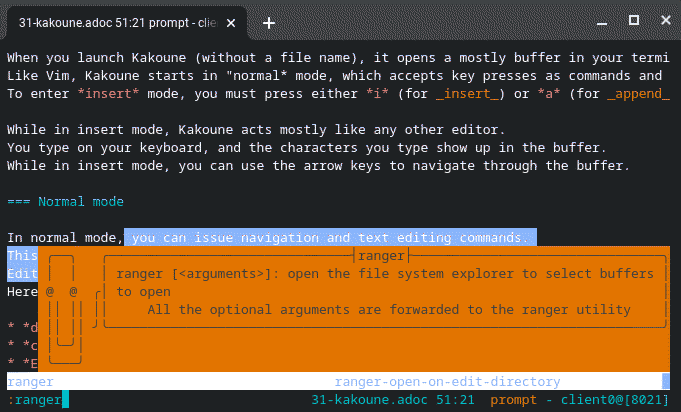
- Kakoune is a Vim-inspired application with a familiar, minimalistic interface, short keyboard shortcuts, and separate editing and insert modes. It looks and feels a lot like Vi at first, but with its own unique style, both in design and function. As a special bonus, it features an implementation of the Clippy interface.
emacs editors
- The original free emacs, and one of the first official applications of the GNU project that started the Free Software movement, GNU Emacs is a wildly popular text editor. It’s great for sysadmins, developers, and everyday users alike, with loads of features and seemingly endless extensions. Once you start using Emacs, you might find it difficult to think of a reason to close it because it’s just that versatile!
- If you like Emacs but find GNU Emacs too bloated, then you might like Jove. Jove is a terminal-based emacs editor. It’s easy to use, but if you’re new to emacsen (the plural of emacs), Jove is also easy to learn, thanks to the teachjove command.
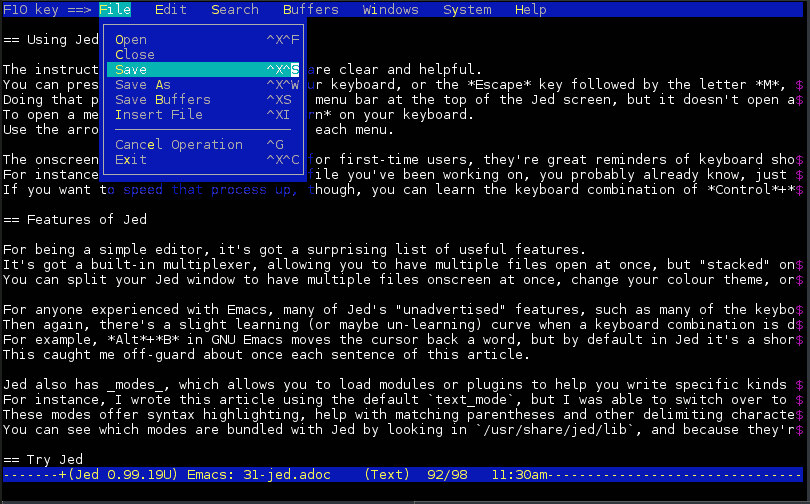
- Another lightweight emacs editor, Jed is a simple incarnation of a macro-based workflow. One thing that sets it apart from other editors is its use of S-Lang, a C-like scripting language providing extensibility options to developers more comfortable with C than with Lisp.
Interactive editors
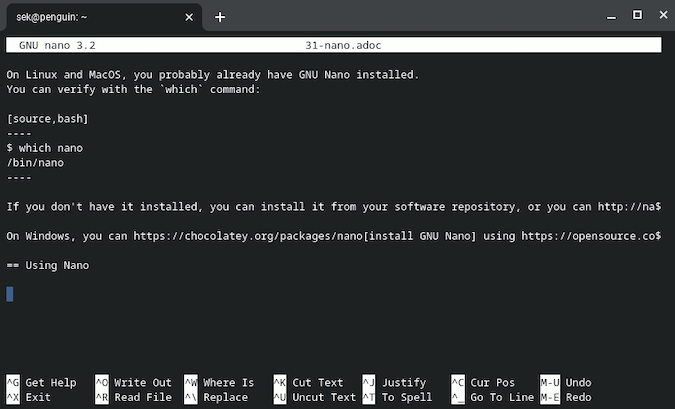
- GNU nano takes a bold stance on terminal-based text editing: it provides a menu. Yes, this humble editor takes a cue from GUI editors by telling the user exactly which key they need to press to perform a specific function. This is a refreshing take on user experience, so it’s no wonder that it’s nano, not Vi, that’s set as the default editor for “user-friendly” distributions.
- JOE is based on an old text-editing application called WordStar. If you’re not familiar with Wordstar, JOE can also mimic Emacs or GNU nano. By default, it’s a good compromise between something relatively mysterious like Emacs or Vi and the always-on verbosity of GNU Nano (for example, it tells you how to activate an onscreen help display, but it’s not on by default).
- The excellent e3 application is a tiny text editor with five built-in keyboard shortcut schemes to emulate Emacs, Vi, nano, NEdit, and WordStar. In other words, no matter what terminal-based editor you are used to, you’re likely to feel right at home with e3.
ed and more
- The ed line editor is part of the POSIX and Open Group’s standard definition of a Unix-based operating system. You can count on it being installed on nearly every Linux or Unix system you’ll ever encounter. It’s tiny, terse, and tip-top.
- Building upon ed, the Sed stream editor is popular both for its functionality and its syntax. Most Linux users learn at least one sed command when searching for the easiest and fastest way to update a line in a config file, but it’s worth taking a closer look. Sed is a powerful command with lots of useful subcommands. Get to know it better, and you may find yourself open text editor applications a lot less frequently.
- You don’t always need a text editor to edit text. The heredoc (or Here Doc) system, available in any POSIX terminal, allows you to type text directly into your open terminal and then pipes what you type into a text file. It’s not the most robust editing experience, but it is versatile and always available.
Minimalist editors
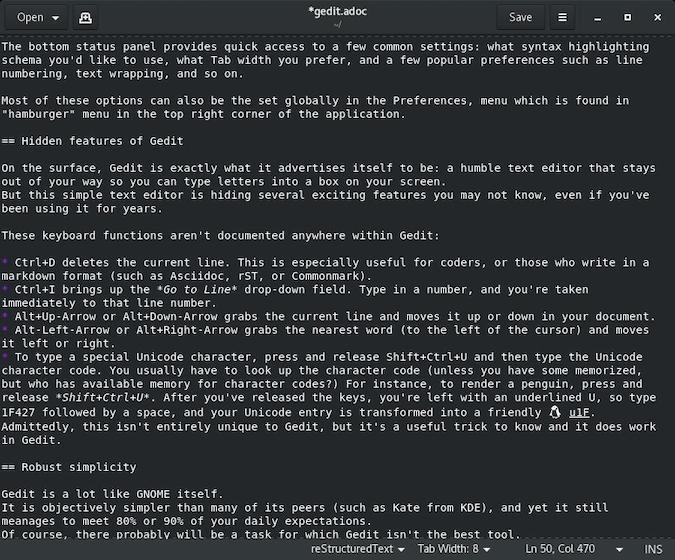
If your idea of a good text editor is a word processor except without all the processing, you’re probably looking for one of these classics. These editors let you write and edit text with minimal interference and minimal assistance. What features they do offer are often centered around markup, Markdown, or code. Some have names that follow a certain pattern:
- Gedit from the GNOME team
- medit for a classic GNOME feel
- Xedit uses only the most basic X11 libraries
- jEdit for Java aficionados
A similar experience is available for KDE users:
- Kate is an unassuming editor with all the features you need.
- KWrite hides a ton of useful features in a deceptively simple, easy-to-use interface.
And there are a few for other platforms:
- Notepad++ is a popular Windows application, while Notepadqq takes a similar approach for Linux.
- Pe is for Haiku OS (the reincarnation of that quirky child of the ’90s, BeOS).
- FeatherPad is a basic editor for Linux but with some support for macOS and Haiku. If you’re a Qt hacker looking to port code, take a look!
IDEs
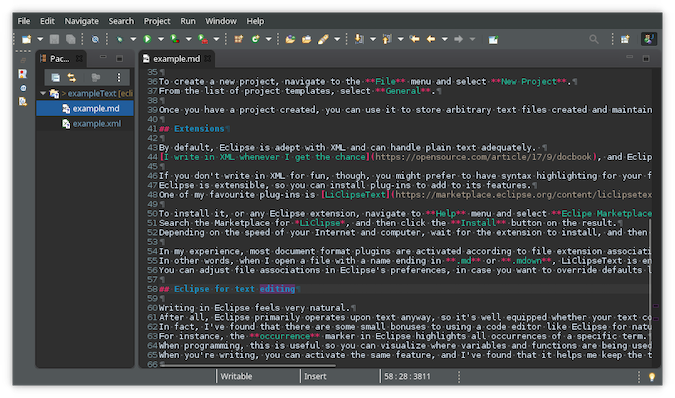
There’s quite a crossover between text editors and integrated development environments (IDEs). The latter really is just the former with lots of code-specific features added on. If you use an IDE regularly, you might find an XML or Markdown editor lurking in your extension manager:
- NetBeans is a handy text editor for Java users.
- Eclipse offers a robust editing suite with lots of extensions to give you the tools you need.
Cloud-based editors
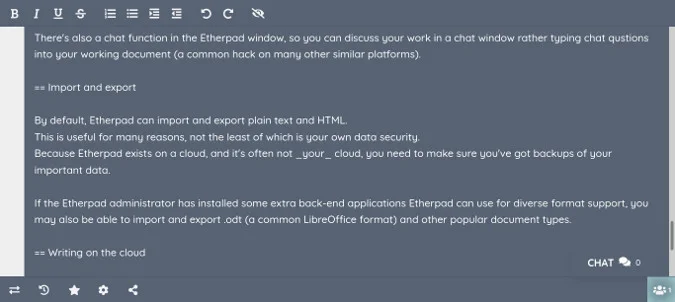
Working in the cloud? You can write there too, you know.
- Etherpad is a text editor app that runs on the web. There are free and independent instances for you to use, or you can set up your own.
- Nextcloud has a thriving app scene and includes both a built-in text editor and a third-party Markdown editor with live preview.
Newer editors
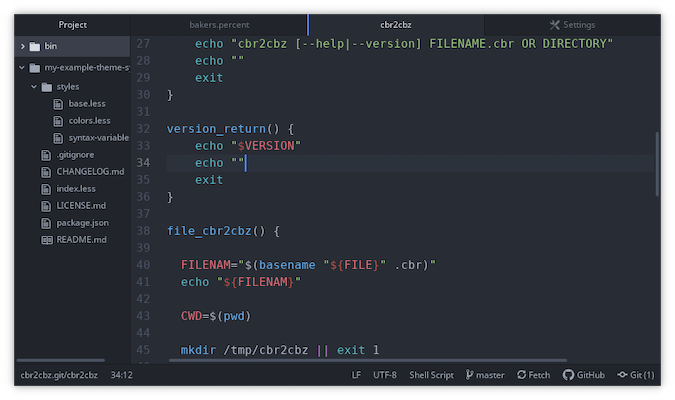
Everybody has an idea about what makes a text editor perfect. For that reason, new editors are released each year. Some reimplement classic old ideas in a new and exciting way, some have unique takes on the user experience, and some focus on specific needs.
- Atom is an all-purpose modern text editor from GitHub featuring lots of extensions and Git integration.
- Brackets is an editor from Adobe for web developers.
- Focuswriter seeks to help you focus on writing with helpful features like a distraction-free fullscreen mode, optional typewriter sound effects, and beautiful configuration options.
- Howl is a progressive, dynamic editor based on Lua and Moonscript.
- Norka and KJots mimic a notebook with each document representing a “page” in your “binder.” You can take individual pages out of your notebook through export functions.
DIY editor
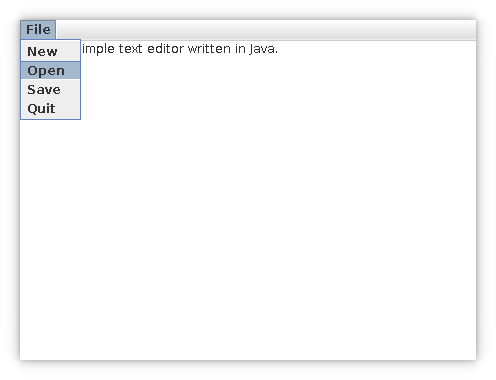
As the saying does NOT go: Why use somebody else’s application when you can write your own? Linux has over 30 text editors available, so probably the last thing it really needs is another one. Then again, part of the fun of open source is the ability to experiment.
If you’re looking for an excuse to learn how to program, making your own text editor is a great way to get started. You can achieve the basics in about 100 lines of code, and the more you use it, the more you’ll be inspired to learn more so you can make improvements. Ready to get started? Go and create your own text editor.
This article is republished from opensource.com
For enquiries, product placements, sponsorships, and collaborations, connect with us at [email protected]. We'd love to hear from you!
Our humans need coffee too! Your support is highly appreciated, thank you!